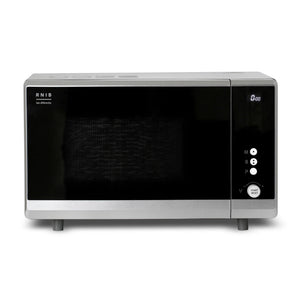
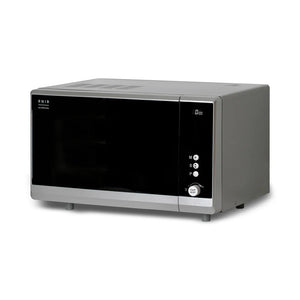
You just select the cooking power, the minutes and the seconds and press Start to cook.
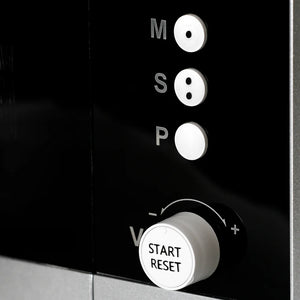
Set the time using the ‘minutes’ button (the letter M is printed next to it and the button has a single tactile dot for identification) and the ‘seconds’ button (found below the ‘minutes’ button, printed with an S and with two tactile dots).
Use the Power mode button (this is the only button without tactile dots and has the letter P printed next to it) to choose cooking power. There are five modes available:
- Low mode – 90W
- Defrost mode – 270W
- Medium mode – 450W
- Medium-high mode – 630W
- High mode – 900W
Below these three buttons is a rotary dial to adjust the volume (choose from 15 levels, the microwave will announce the volume level as you rotate the dial). Press the dial to start cooking (press and hold the dial to reset the microwave). The dial has a V printed next to it and the words START, RESET raised on it.
As well as announcing power and time as you set them, the microwave will alert you to the cooking time remaining (every 10 seconds if the time is less than a minute; every 30 seconds if time remaining is more than a minute; and a countdown when only 10 seconds remain) and tell you when the time is completed. Time remaining is also displayed on an LCD display.
On opening the door, it will say “door open, beware hot contents”. The microwave will also tell you when the door is closed.
You can pause any cooking or defrost cycle by pressing the START rotary dial. To restart the cycle, just press the START dial again.




 0333 366 0035 (local rate)
 Every purchase you make helps fund Alzheimer’s Society’s work