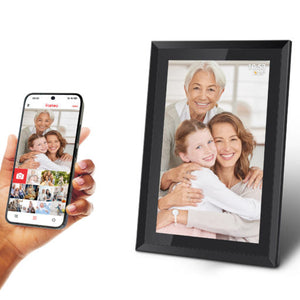
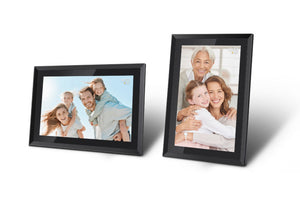
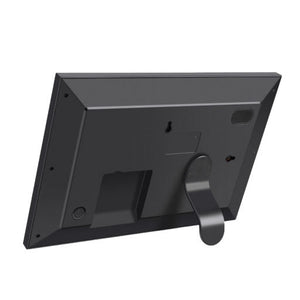
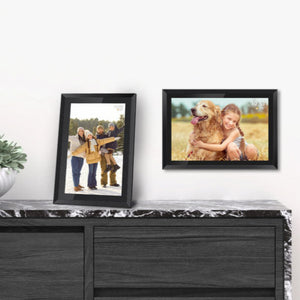
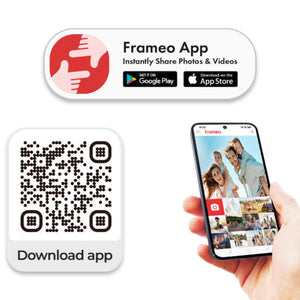
Once you have the Frameo app on your phone, you can be provided with the QR code or frame ID number to connect to the photo frame. Multiple family members can upload images via the app, which can then be uploaded by a USB cable to the frame, or if there is Wi-Fi connection, can be sent via Bluetooth to the photo frame.
Images can be labelled - such as with names, dates and occasions and they will appear at the bottom of the image.
Images rotate through the album of images. Slideshow speed can be adjusted in the settings, as can volume on any videos.
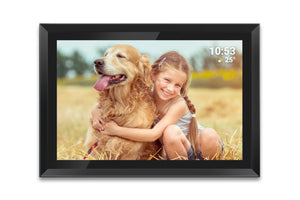
The photo frame has the option to show the date and the weather as well as being able to be set to wake up and go to sleep at times that suit the recipient.
Further information about the specification and use can be read here.




 0333 366 0035 (local rate)
 Every purchase you make helps fund Alzheimer’s Society’s work